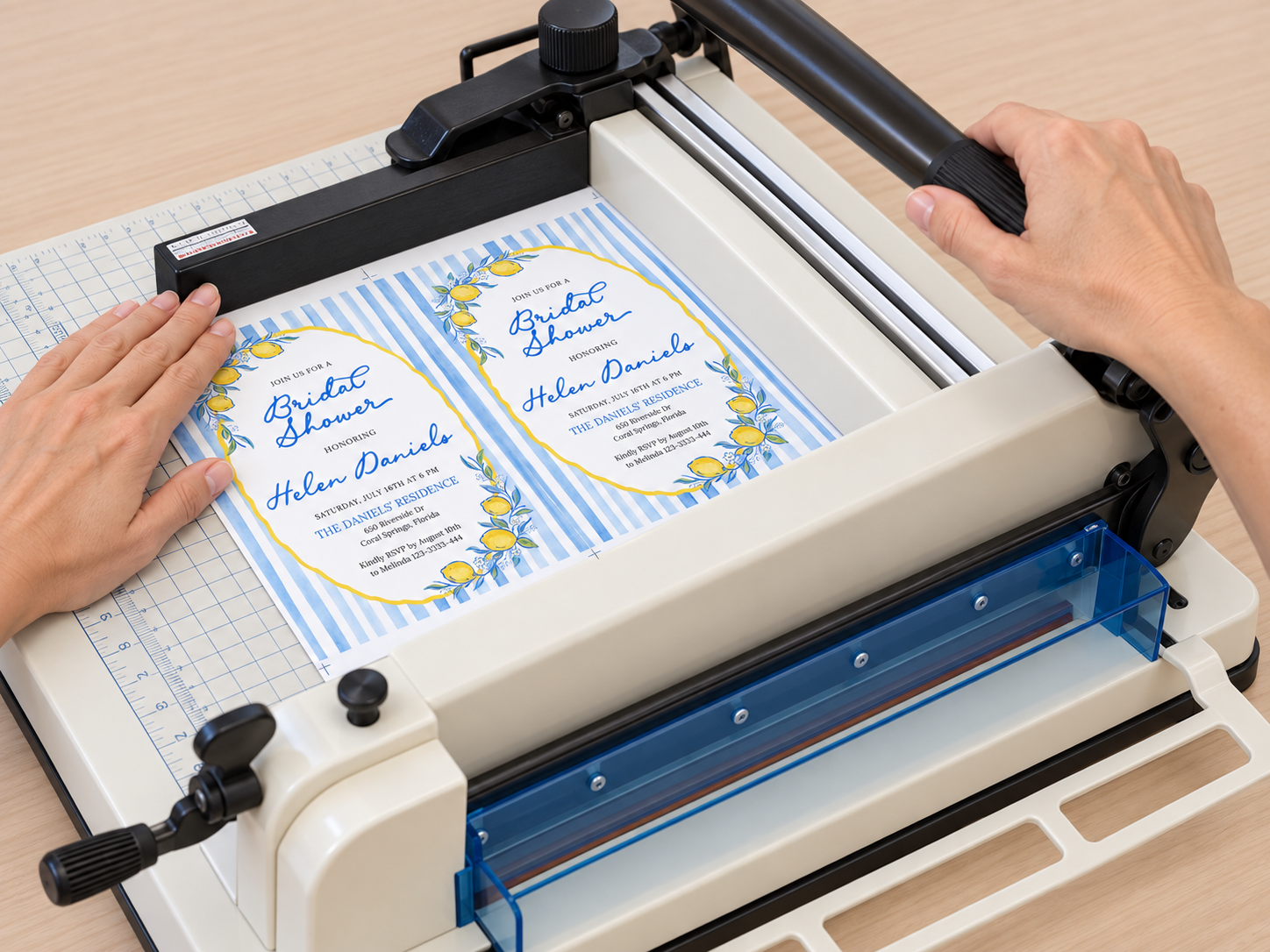
For a long time, I thought that the biggest part of the work with invitations, business cards, menus, and name tags was the design itself. Once I finished the design, I expected most of the work to be done.
Then came the print preparation.
I had to arrange the pieces, check the dimensions, adjust the spacing, and think about how everything would look when it was time to cut. If you are only working with a few pieces, it is not a big deal. When there are more of them, you quickly realize how much time goes into things that you have to repeat over and over again.
That is why I started using PrintGrid Pro. What I like most about it is that I can take a finished design and quickly create a print layout without having to arrange everything manually from scratch.
What Used to Bother Me
What bothered me most was that the design was already finished, but I still could not send it straight to print.
I often had to copy elements, move them around, check the spacing, and look again to make sure everything was in the right place. It is not particularly complicated work, but when you repeat it constantly, it becomes tedious.
Now I handle that part much more simply. I upload the finished file, set the dimensions, and create the layout that works for me.
This is especially useful when I have several different formats within the same project.
You Really Notice It With Wedding Projects
With wedding stationery projects, I usually do not work on invitations alone.
There are often RSVP cards, menus, place cards, table numbers, thank-you cards, and various other small details.
For the designs themselves, I also use Lovely Wedding Templates, where I can find ready-made templates and customize them for a specific event.
Once the design is finished, I prepare it for printing using PrintGrid Pro. That way, I do not have to create the entire layout manually again.
It has become a sort of final step between the design and the actual printing.
I Use the Same Approach for Business Cards
Business cards are pretty much the same.
When I have a finished design, I just want to prepare it for printing and move on. In the past, I created the layout manually, especially when working with different dimensions.
Now it is much easier to upload the file to PrintGrid Pro and set up what I need.
I do not have to change the way I design. I have simply made the part that comes after the design easier.
Menus, Name Tags, and Place Cards
The same applies to menus, name tags, place cards, and similar smaller formats.
These often require quite a few pieces, and every event can have a different number of guests or different dimensions.
Instead of creating the layout from scratch every time, I take the finished design and prepare it for printing.
Once it is printed, all that is left is cutting, sorting, and packing, which is much easier when the layout has already been properly prepared.
I Do Not Use It for Design
What I like most about this workflow is that PrintGrid Pro does not try to replace what I already do.
I still create designs in the way that works best for me.
I use PrintGrid when the design is finished and needs to be prepared for physical printing.
That is actually why I find it practical. It does not introduce another complicated workflow. It simply solves one specific part of the process.
What My Process Looks Like
I generally work like this:
I create or customize the design.
If it is wedding stationery, I can start with a template from Lovely Wedding Templates.
Then I prepare the file for printing in PrintGrid Pro.
I set the dimensions, create the layout, and check how everything will look.
Then comes printing, cutting, and packing.
That is basically the whole process.
Where I See the Biggest Benefit
I notice the biggest difference when several projects start piling up.
With a single design, it may not make much difference how you create the layout. But when you do it constantly, you start to appreciate every step that can be simplified.
A better layout also means that the paper can be used more efficiently, which is definitely useful when working with larger quantities.
In the end, what matters most to me is spending less time on manual arranging and being able to move on more quickly to printing, cutting, and packing.
My Conclusion
PrintGrid Pro has become a practical tool for me for the part of the process that comes after the design.
When I work on wedding stationery, Lovely Wedding Templates helps me get to the design, while PrintGrid makes it simple to prepare that design for printing.
It has not changed the way I design. It has simply made one part of the process easier, a part that I used to handle mostly by hand. And that is exactly why it has become part of my workflow.